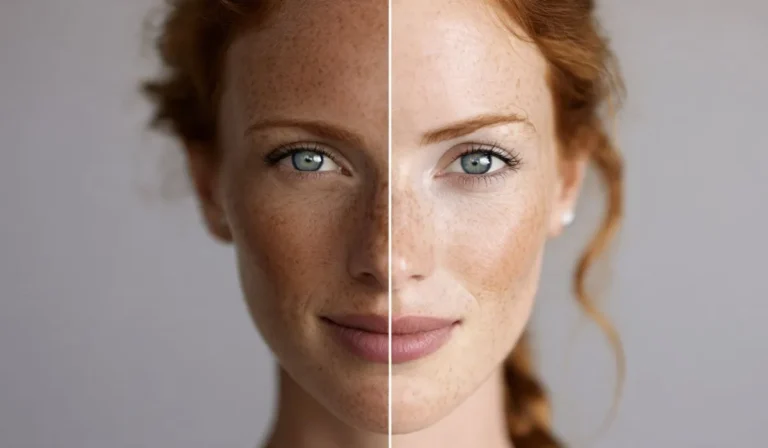

How To Know My Foundation Shade Online | Easy Steps for a Perfect Match
Finding your perfect foundation shade online can feel tricky because you can’t physically swatch the product on your skin. But with the right method, tools, and understanding of your skin tone, undertone, and lighting, you can get very close to a perfect match—even without visiting a store.
In fact, many people successfully buy foundation online from brands like Maybelline, MAC Cosmetics, and L’Oréal Paris using digital shade matching systems and undertone analysis.
This guide will walk you How To Know My Foundation Shade Online and choose a flawless match for your skin.
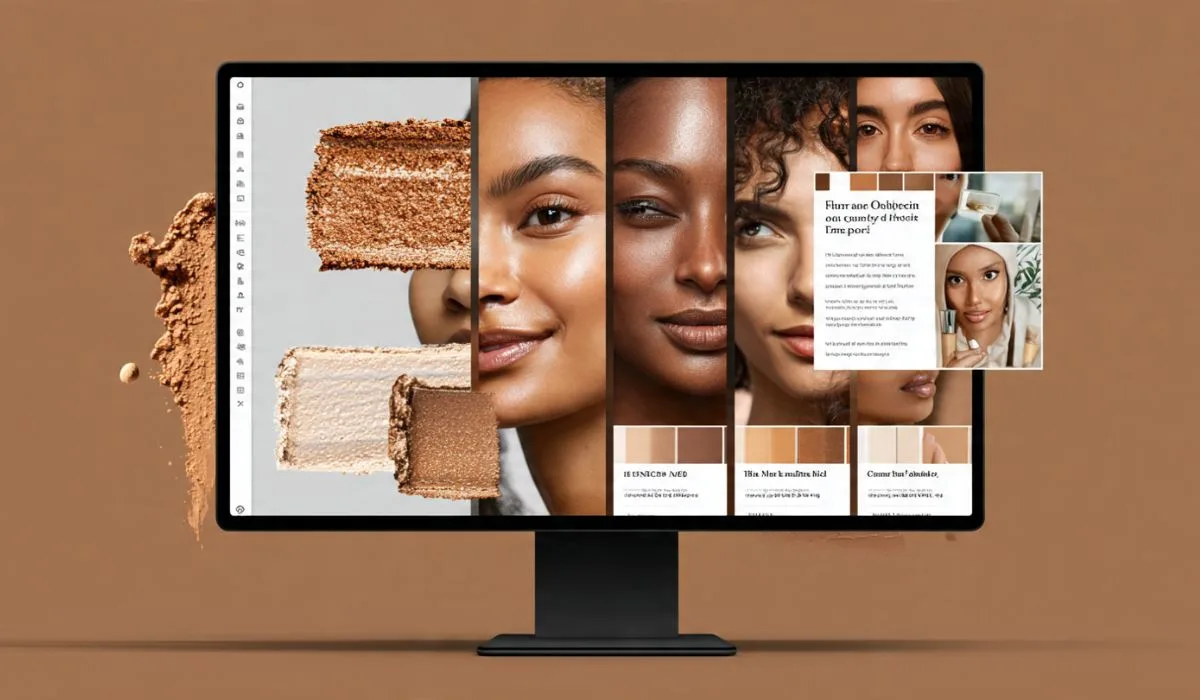
Why Choosing Foundation Online Is Difficult:
Unlike shopping in-store, online foundation shopping comes with challenges:
- No physical swatches
- Different lighting on screens
- Brand shade variations
- Confusing undertone labels
- Filters and edited photos
Because of this, many people end up buying the wrong shade—too light, too dark, or too orange/grey.
But once you understand how skin tone works, you can reduce the guesswork significantly.
How To Know My Foundation Shade Online | Easy Steps for a Perfect Match:
Step 1: Understand Your Skin Tone
Skin tone refers to the surface color of your skin. It generally falls into four categories:
- Fair
- Light
- Medium
- Tan/Deep
You can check your skin tone by looking at your jawline in natural daylight.
Step 2: Identify Your Undertone (Most Important Step)
Your undertone is the subtle color beneath your skin. It does not change with tanning.
There are three main undertones:
1. Cool Undertone
- Pink or blue hues
- Veins appear blue
- Silver jewelry looks better
2. Warm Undertone
- Yellow, golden, or peach tones
- Veins appear green
- Gold jewelry looks better
3. Neutral Undertone
- Mix of warm and cool
- Both gold and silver suit you
Most foundation mismatches happen because people ignore undertones.
Step 3: Use Online Shade Matching Tools
Many beauty brands now offer digital tools to help you find your shade.
Examples include:
- Brand shade finders
- AI skin scanners
- Virtual try-on apps
- Quiz-based selectors
These tools analyze:
- Your uploaded selfie
- Skin tone comparison
- Undertone detection
- Brand-specific shade mapping
Brands like MAC Cosmetics are known for having detailed shade systems that make online matching easier.
Step 4: Compare Yourself in Natural Light
Lighting is everything when choosing foundation online.
To get accurate results:
- Stand near a window
- Avoid yellow indoor lights
- Do not use filters
- Take photos in daylight
Artificial lighting can make your skin look lighter or darker than it really is.
Step 5: Find Your “Reference Foundation”
If you already have a foundation that matches you well, use it as a reference.
Check:
- Brand name
- Shade number/name
- Undertone category
Then compare it with online shade charts from other brands like L’Oréal Paris to find equivalents.
Step 6: Understand Shade Naming Systems
Different brands use different naming methods:
- Numbers (e.g., 220, 310)
- Names (e.g., Ivory, Sand, Honey)
- Undertone labels (W, C, N)
Examples:
- W = Warm
- C = Cool
- N = Neutral
So a shade labeled “Warm Beige 230” is not the same as “Cool Beige 230.”
Step 7: Match Depth First, Then Undertone
When choosing foundation online:
Step 1: Match skin depth
Is it fair, medium, or deep?
Step 2: Match undertone
Is it warm, cool, or neutral?
Depth mismatch is harder to fix than undertone mismatch.
Step 8: Use Swatch Comparison Images
Most brands provide swatch images on different skin tones.
Look for:
- Arm swatches
- Face comparisons
- Model references
- Before/after lighting shots
Compare carefully with your own skin in natural light.
Step 9: Read Customer Reviews Carefully
Reviews often include real-life photos.
Look for reviewers with:
- Similar skin tone
- Same undertone
- No heavy filters
This helps you see how the foundation actually looks in real life.
Read Next: How To Get Rid Of Dark Neck Naturally
Step 10: Consider Oxidation
Some foundations change color after application.
This is called oxidation:
- Light shades may become darker
- Warm tones may turn orange
- Matte formulas may deepen slightly
Always check reviews for oxidation feedback.
Step 11: Test 2–3 Close Shades if Unsure
If you are between two shades:
- Choose both (if possible)
- Test on jawline in natural light
- Observe after 10–15 minutes
This helps you see which blends seamlessly.
Step 12: Match Your Neck, Not Just Your Face
Your face may be lighter or darker than your neck.
Always match foundation to:
- Jawline
- Neck tone
- Chest area (if visible)
This creates a natural, even look.
Common Mistakes When Choosing Foundation Online:
1. Relying on screen color
Screens distort shades.
2. Ignoring undertone
This leads to orange or grey foundation.
3. Choosing too light a shade
Many people prefer lighter tones but end up looking unnatural.
4. Not checking reviews
Real user photos are very helpful.
Best Way to Get Accurate Shade Match:
The most reliable method is combining:
- Undertone identification
- Natural light photo
- Brand shade finder tool
- Customer review comparison
Using all four gives the highest accuracy.
Popular Foundation Brands With Good Online Shade Tools:
MAC Cosmetics
- Wide shade range
- Clear undertone system
- Reliable matching guides
Maybelline
- Budget-friendly
- Easy shade finder tools
- Good for beginners
L’Oréal Paris
- Advanced virtual try-on tools
- Accurate digital matching
- Wide global range
How to Fix Wrong Foundation Shade:
If you already bought the wrong shade:
- Too dark → mix with lighter concealer or moisturizer
- Too light → use bronzer or darker powder
- Too warm → correct with cool-toned powder
- Too cool → warm it up with blush or bronzer
Final Thoughts:
Finding your foundation shade online is not random guesswork—it’s a process based on understanding your skin tone, undertone, lighting, and brand systems.
When you combine:
- Proper lighting
- Undertone identification
- Shade comparison tools
- Real customer reviews
you can confidently choose a shade that blends seamlessly into your skin.
With practice, you’ll be able to shop foundation online from brands like Maybelline, MAC Cosmetics, and L’Oréal Paris without trial and error.
The key is not guessing—it’s matching scientifically and visually.
FAQs:
1. How can I find my foundation shade online without testing it?
You can use a combination of undertone identification, natural light photos, and brand shade finder tools to match your skin as closely as possible.
2. What is the most important factor when choosing foundation online?
Your undertone (warm, cool, or neutral) is the most important factor, even more than the skin depth (fair, medium, deep).
3. Can I trust online foundation shade matching tools?
Yes, but they are not perfect. Tools from brands like MAC Cosmetics or L’Oréal Paris are helpful, but always cross-check with reviews and swatches.
4. What should I do if I am between two shades?
Choose both if possible, or pick the slightly darker shade. It’s easier to lighten foundation than to fix a shade that is too light.
5. Why does my foundation look different online than in real life?
Screen lighting, filters, and editing can distort colors, making shades appear lighter or darker than they actually are.
6. Should I match foundation to my face or neck?
Always match your jawline and neck, not just your face, for a more natural and even look.
7. What is foundation oxidation?
It’s when foundation changes color after application, usually becoming slightly darker or warmer due to air and skin oils.
8. Which brands are best for accurate online shade matching?
Brands like Maybelline, MAC Cosmetics, and L’Oréal Paris offer some of the most reliable online shade tools.